The digital transformation of the financial sector has changed how consumers manage their money. For many years, banking depended on physical proximity. Customers visited a local branch and spoke with a teller. Today, digital interfaces handle most banking activities. Clients of The Adirondack Trust Company (ATC) use a platform called WebWise banking to access these services.
Understanding the mechanics of such a platform is essential for modern financial literacy. Traditional banking hours no longer fit many people’s schedules. Digital banking tools now provide 24/7 access to money and account information. This guide explains WebWise features, security systems, benefits, and online banking risks in a simple way.
What Is WebWise?
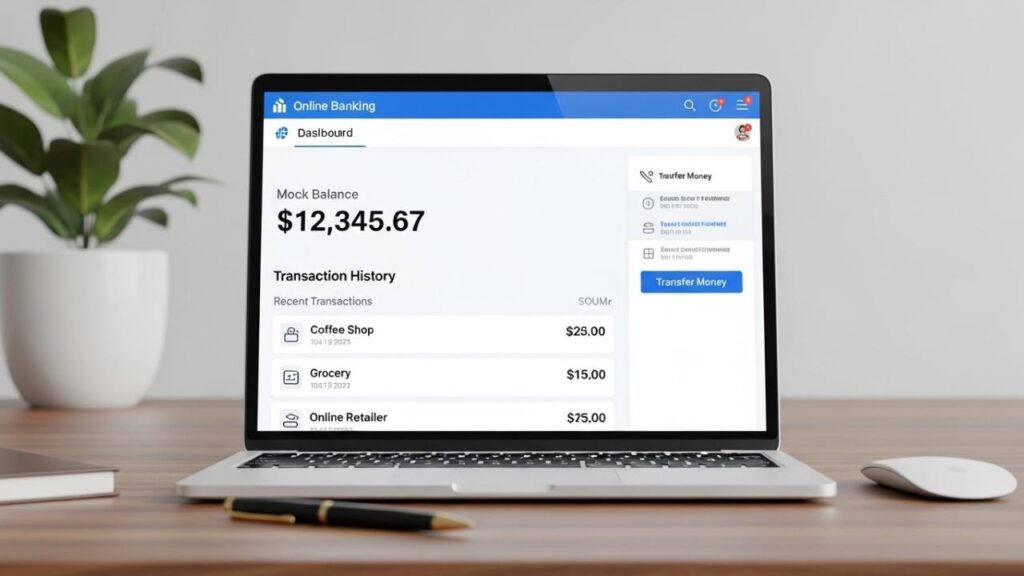
WebWise is the online and mobile banking platform developed for The Adirondack Trust Company, a community bank founded in 1901 and based in Saratoga Springs, New York. It acts as a secure digital extension of the bank, allowing personal and business customers to access and manage their accounts online. Through a web browser or mobile app, users can check balances, transfer funds, and review financial records without visiting a physical branch.
How It Works
The platform functions by creating a secure, real-time link between a user’s personal devices and the bank’s internal ledger. The process is designed to be sequential and verifiable, typically following these steps:
- Initial Enrollment: An account holder begins by registering their profile. This involves a rigorous identity verification process where the bank confirms the user’s Social Security number, account details, and contact information against their official records.
- Security Layering: Once identity is confirmed, the user establishes a unique username and a complex password. To enhance security, the system often requires multi-factor authentication (MFA), sending a one-time code to a trusted device to ensure the person logging in is the authorized owner.
- Interface Synchronization: Upon successful login, the WebWise dashboard aggregates data from the bank’s core processing system. This allows the user to see “live” information, such as pending debit card transactions that have not yet cleared.
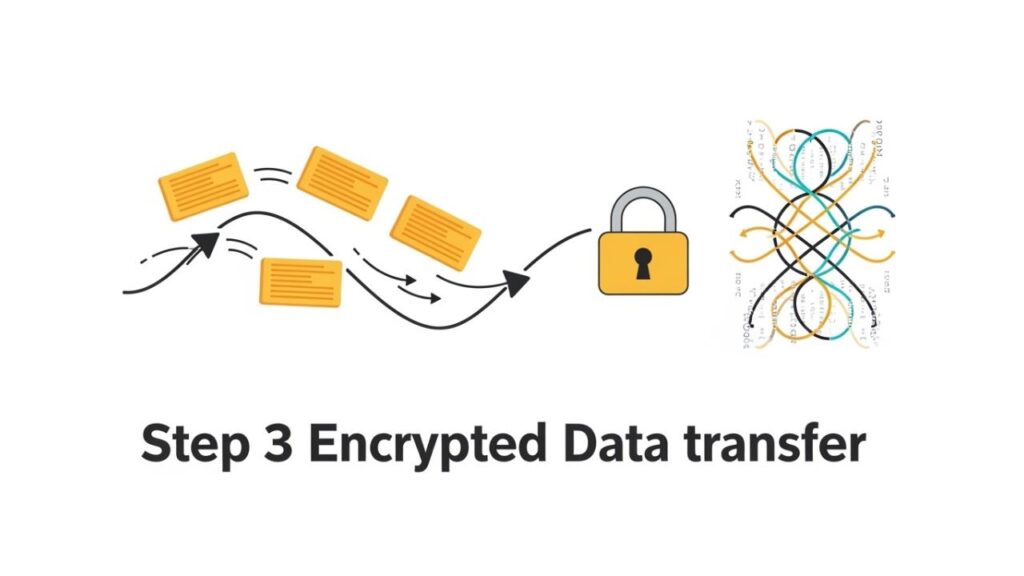
- Executing Requests: When a user initiates a task—such as paying a utility bill via a PNP bill payment system or transferring money to a savings account—the platform encrypts the request and transmits it to the bank’s servers for execution.
- Digital Record Keeping: Every interaction within the app or website is logged. This creates an electronic paper trail that serves as a reference for the user and an audit log for the bank’s regulatory compliance teams.
Key Features and Core Components
The WebWise environment includes several specialized modules. Each module manages a specific part of a user’s financial activities.
Account Oversight and E-Statements
The core of the platform is the information dashboard How to Read a Bank Statement (Beginner Guide). Beyond simply checking a balance, users can access up to seven years of electronic statements (e-statements). This archival feature is particularly useful for those who need to retrieve old records for mortgage applications or tax audits without digging through physical filing cabinets.
Fund Transfers and Bill Pay
WebWise facilitates the movement of money both internally and externally. Users can shift funds between their own ATC checking and savings accounts instantly. The “Bill Pay” component allows for the automation of monthly expenses. By scheduling recurring payments to companies or individuals, users can reduce the likelihood of late fees and save the cost of postage.
Mobile Deposit Capture
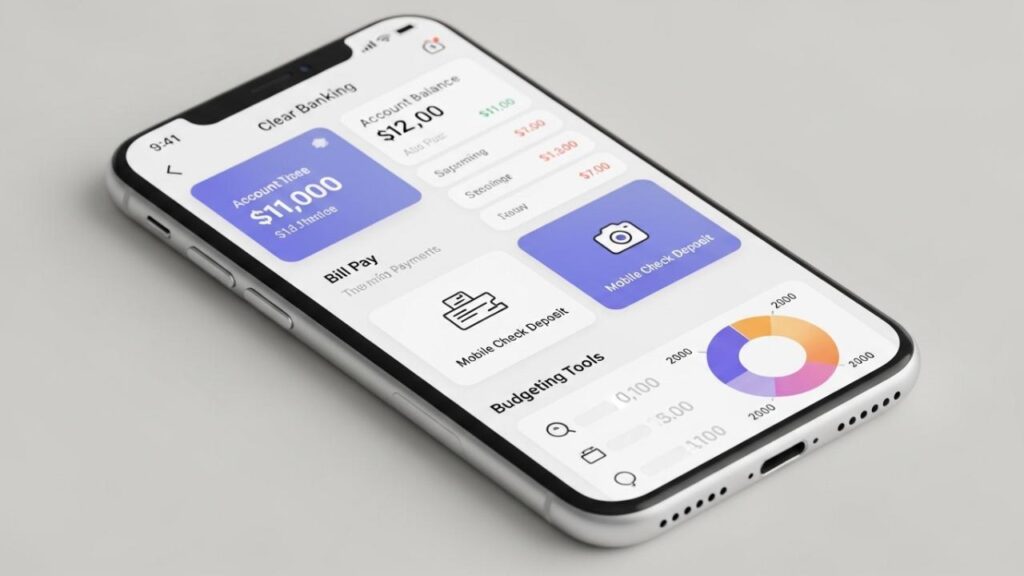
Through the ATC WebWise mobile app, users can deposit checks remotely. By using the smartphone’s camera to photograph the front and back of a physical check, the data is then transmitted securely to the bank. As a result, the deposit process becomes faster and more convenient. In addition, users can complete deposits without visiting a branch. This eliminates the need to visit an ATM, much like the convenience provided by a Trustmark ATM for physical transactions.
Money Management (MX)
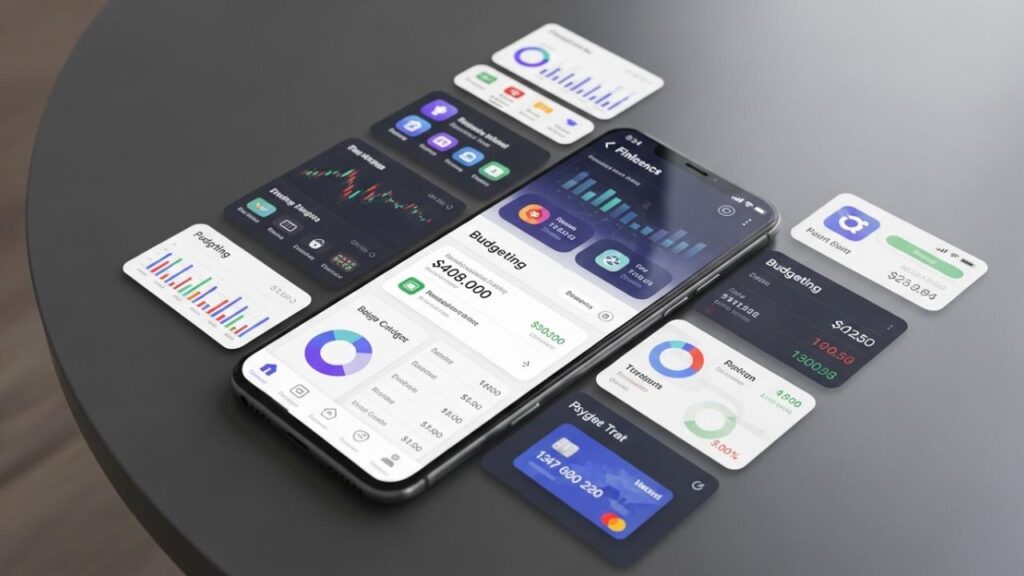
A sophisticated addition to the platform is the MX suite. This is a personal financial management tool that allows for “account aggregation.” Users can link accounts from other institutions—such as credit cards or outside investment portfolios—to see their entire financial picture in one place. It includes spending trackers and budgeting tools that categorize transactions automatically.
WebWise Plus
WebWise Plus provides commercial clients with a more advanced set of tools. It handles the higher-volume needs of businesses, including ACH (Automated Clearing House) originations for payroll and the ability to initiate domestic or international wire transfers directly from a computer.
Benefits and Advantages
The most immediate benefit of the WebWise system is unrestricted access. Financial decisions often happen outside of banking hours, and having the ability to move money or verify a transaction at midnight provides a level of control that traditional banking cannot match.
Furthermore, the centralization of data provided by the MX tool is a significant advantage for those looking to improve their financial health. Seeing all debts and assets on a single screen makes it much easier to identify unnecessary spending or track progress toward a savings goal.
There is also the benefit of enhanced organization. By moving to e-statements and digital bill pay, users can significantly reduce the amount of physical mail they receive. This not only declutters the home but also reduces the risk of sensitive information being stolen from a physical mailbox. For businesses, the advantage is operational efficiency, as managers can delegate financial tasks through the platform without needing to leave their desks.
Risks, Drawbacks, and Limitations
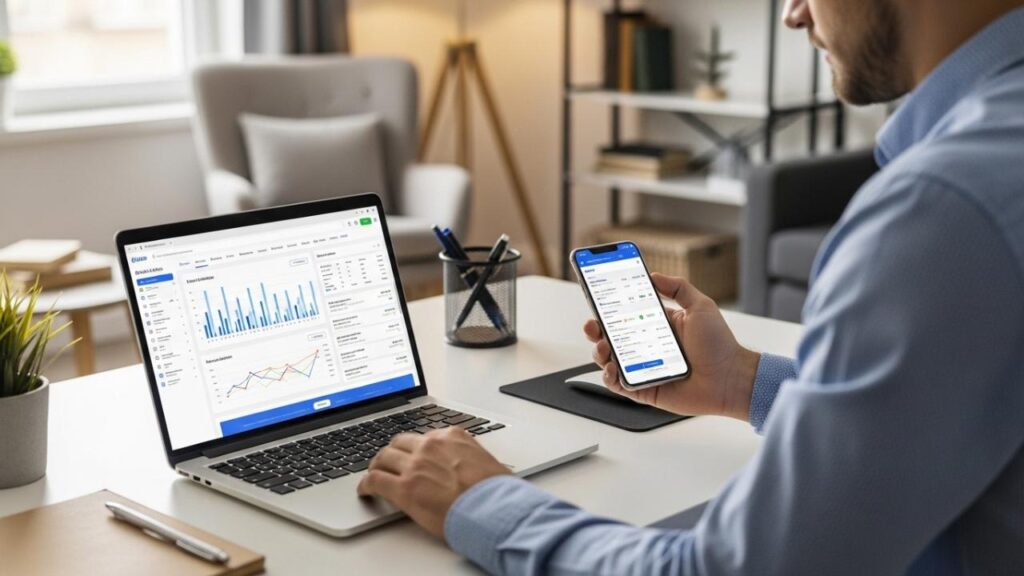
Despite the convenience, digital banking is not a perfect solution and carries specific risks that users must acknowledge.
- Cybersecurity Vulnerabilities: No system is entirely immune to hackers. Users are constantly at risk of phishing scams—where fraudulent emails mimic the bank to steal login credentials—or malware that logs keystrokes on a compromised computer. Consumers can reduce these risks by following official guidance on safe digital banking and fraud prevention provided by the CFPB Banking and digital payment safety, including recommendations on secure logins, scam awareness, and account monitoring.
- Infrastructure Reliance: Digital banking depends on a functional internet connection. If the bank’s servers undergo maintenance, or if a user’s cellular service fails, they may find themselves temporarily unable to access their funds.
- Deposit Holding Periods: While mobile deposit is fast, the availability of those funds is not always immediate. Banks often place a “hold” on mobile-deposited checks to ensure they clear, which can be frustrating for those who need instant access to cash.
- The Human Element: Digital interfaces are efficient but lack the nuance of human interaction. For complex financial disputes or unusual loan requests, the automated nature of a digital platform can feel rigid and impersonal compared to speaking with a local banker.
Who It May Be Suitable For
WebWise is generally well-suited for individuals who value autonomy and efficiency.
- Tech-Savvy Consumers: Those who are comfortable navigating apps and managing their own security settings will find the platform intuitive.
- Commuters and Remote Workers: For people who live or work far from a physical ATC branch, WebWise is an essential tool for maintaining their banking relationship.
- Budget-Focused Individuals: People who want to use data visualization to understand their spending habits will benefit greatly from the MX Money Management tools.
- Small Business Administrators: Owners who need to streamline their accounts payable and payroll processes will find the “Plus” version of the platform particularly effective.
Who Should Be Cautious or Avoid It
There are certain scenarios where relying on digital banking may not be the best choice.
- Users in Digitally Isolated Areas: If you live in a location with frequent power outages or poor high-speed internet, you should maintain a traditional, branch-based banking routine.
- Privacy-Averse Individuals: Those who are uncomfortable with the idea of their data being aggregated or stored in the cloud may prefer the privacy of paper-based banking.
- Public Network Users: If your primary way of accessing the internet is through public Wi-Fi, you should avoid mobile banking. These networks are often unencrypted and easily intercepted by malicious actors.
Alternatives and Related Options
If a user finds that WebWise does not meet their specific needs, there are other paths to consider:
- Large National Banks: Institutions like Chase or Citibank offer apps with massive development budgets, though they lack the local community focus of a community bank.
- Specialized Disbursement Services: For specific financial needs, some users may interact with platforms like My Disbursement Card for receiving funds before transferring them to their main bank account.
- Stand-Alone Financial Apps: For those who only want the budgeting aspect of Web Wise, apps like Rocket Money or YNAB offer robust tracking without requiring a specific bank account.
Frequently Asked Questions
1. Does WebWise store my account number on my phone?
No. For security reasons, the app is designed so that sensitive account numbers are not stored directly on the hardware of your mobile device. This protects your information if your phone is lost or stolen.
2. Can I manage more than one account through the app?
Yes. Users can view and manage all accounts tied to their Social Security number or Tax ID, including checking, savings, and even certain loan or mortgage accounts.
3. What is the difference between WebWise and WebWise Plus?
Standard WebWise is designed for personal use and basic business needs. WebWise Plus is a more robust version intended for commercial clients who require advanced treasury management tools like wire transfers and ACH file uploads.
4. Is there a limit on how much I can deposit via the mobile app?
Yes, most banks, including ATC, set daily and monthly limits on mobile deposits. These limits are typically based on the age of the account and the user’s history with the bank.
5. How do I send a secure message to the bank?
Inside the WebWise portal, there is a “Secure Messaging” feature. Unlike standard email, this communication channel is encrypted, allowing you to discuss specific account details safely with bank staff.
Neutral Conclusion
WebWise serves as a comprehensive digital extension of The Adirondack Trust Company’s traditional services. By integrating features like real-time fund transfers, mobile check deposits, and advanced spending analytics, it provides a high degree of utility for the modern consumer.
However, the shift to digital banking requires a trade-off. While it offers unprecedented convenience and archival access, it also shifts the burden of security and technical uptime partially onto the user. Whether WebWise is the right tool for an individual depends on their comfort with technology, their need for remote access, and their commitment to maintaining secure digital habits. Ultimately, it is a powerful resource that, when used responsibly, can simplify the management of one’s financial life.